01
Controller drift test
Check left and right analog sticks in real time. Watch live X/Y values, center position, movement range and average error to spot drift before it ruins gameplay.
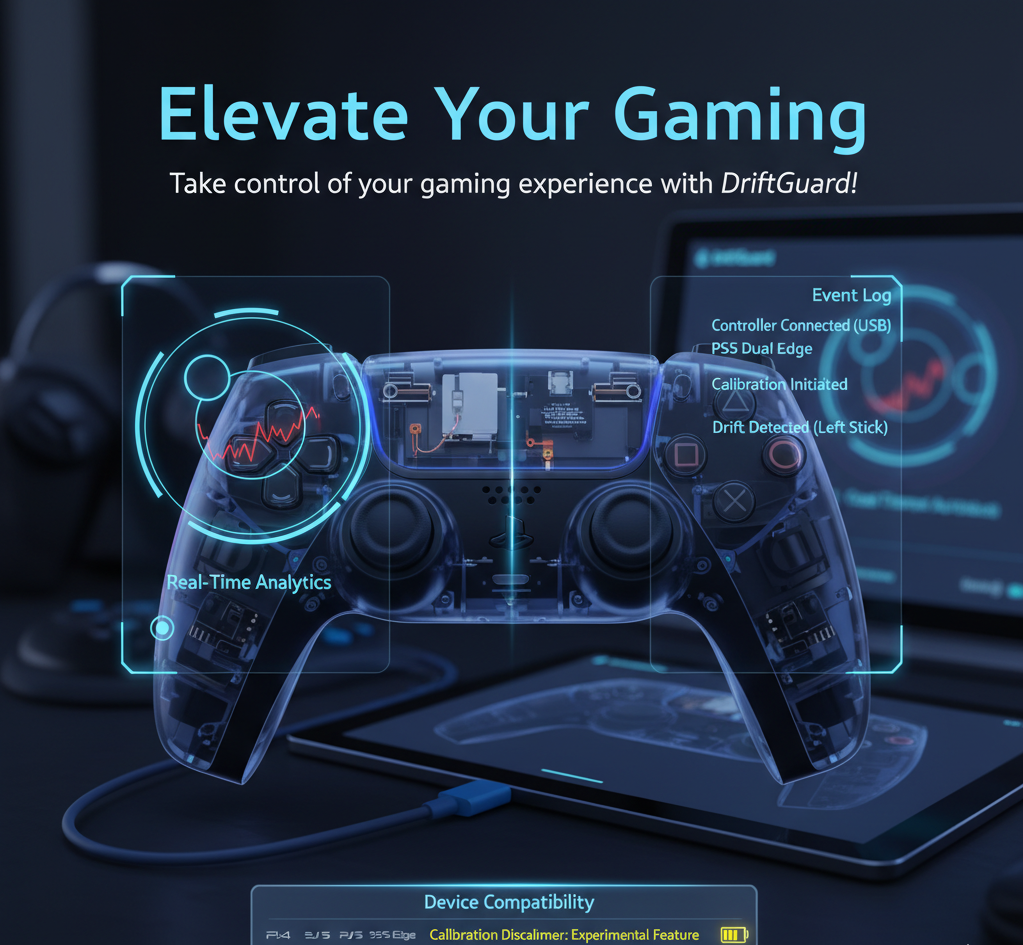
DriftGuard helps gamers, repair shops and controller modders test stick drift, analyze analog stick precision and run calibration workflows on supported controllers. Use it as a real-time gamepad tester, circularity analyzer and controller maintenance toolkit.
Stick drift usually starts as a small analog offset, jitter or uneven range. DriftGuard makes those issues visible with live analytics so you can decide whether calibration is enough or a hardware repair is needed.
Check left and right analog sticks in real time. Watch live X/Y values, center position, movement range and average error to spot drift before it ruins gameplay.
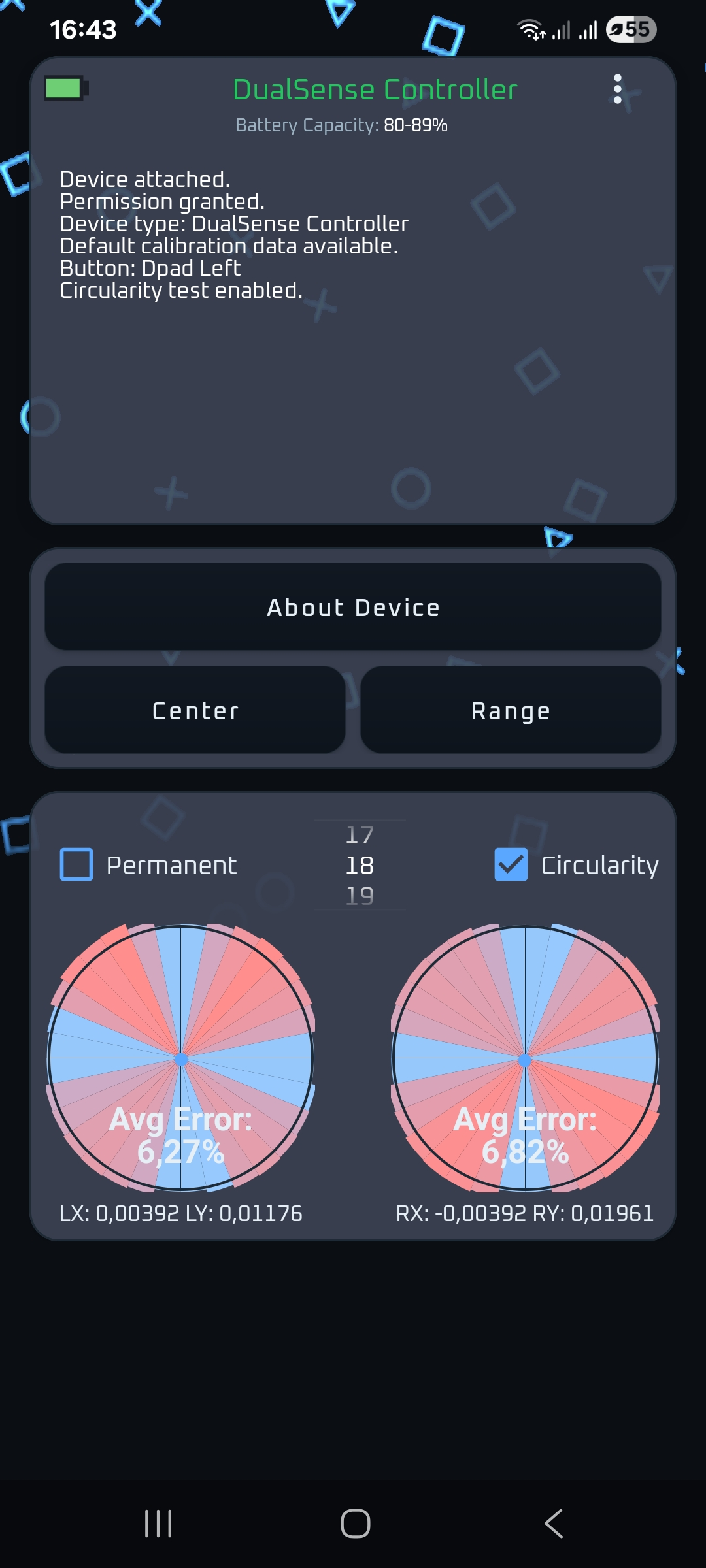
Use circularity testing to see whether a stick reaches the expected range evenly. This is useful after analog stick replacement, Hall Effect upgrades or TMR stick installation.
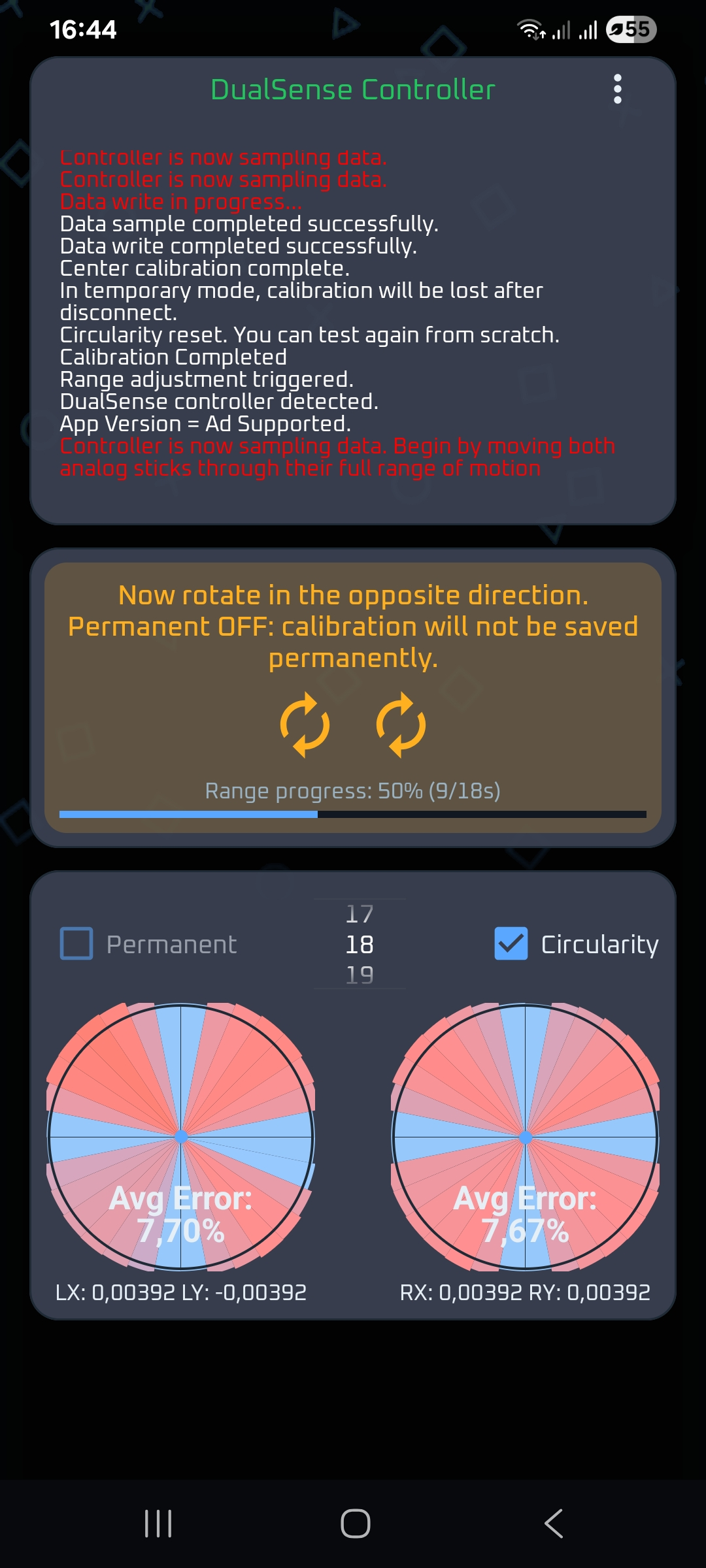
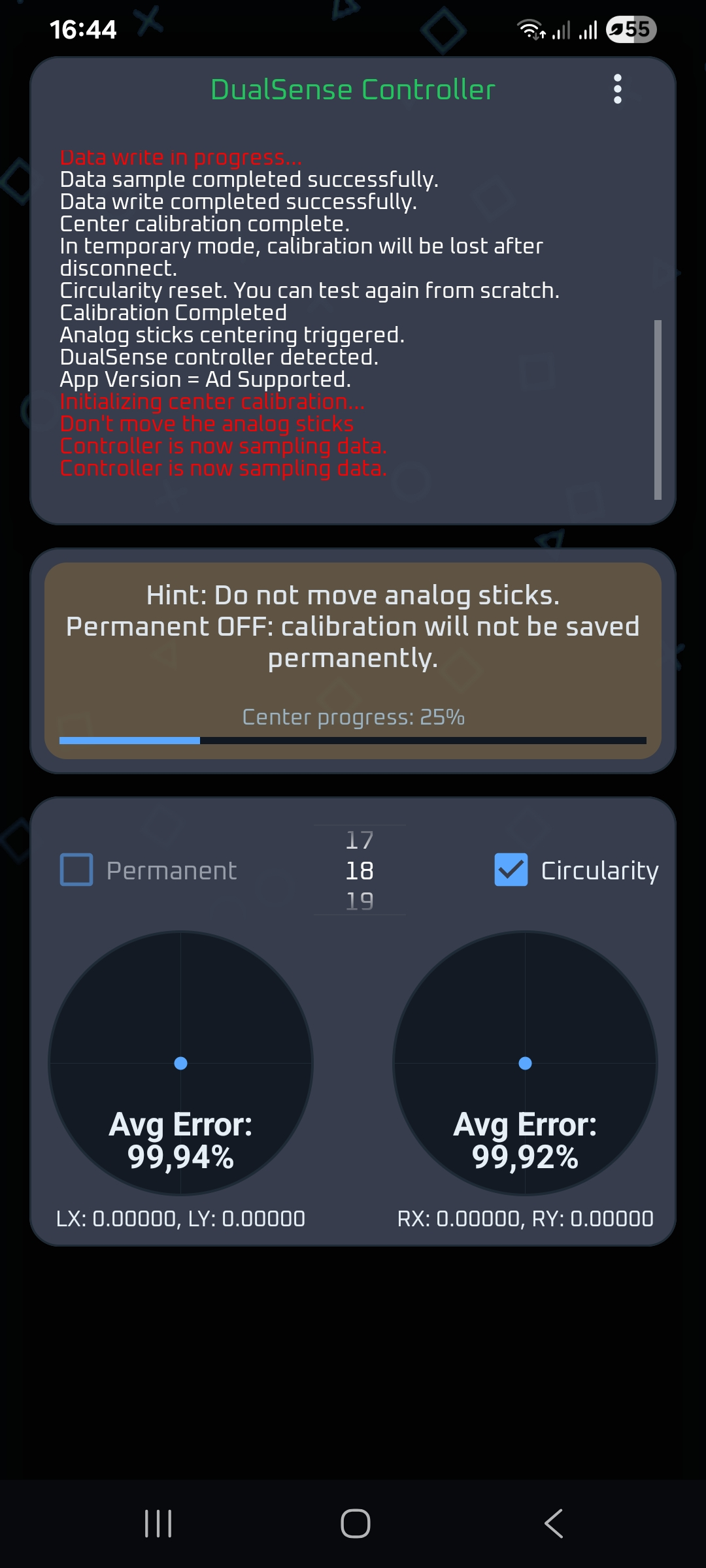
Run center-point and full-range calibration routines on supported controller models. Calibration options vary by device, firmware and platform.
Test buttons, triggers, D-pad input, touchpad behavior and other controller signals in one maintenance workflow instead of switching between multiple tools.
On supported PlayStation controllers, DriftGuard can show deeper hardware information, battery details and usage-related data that helps with diagnostics.
Use DriftGuard before and after service work to compare controller health, validate analog replacement and document whether a gamepad is ready for daily use.
It is designed for people who need a practical controller maintenance tool: players with stick drift, modders installing Hall Effect or TMR analogs, and repair shops that need repeatable calibration checks.
Connect the controller.
Use USB or a supported connection method. DriftGuard automatically recognizes compatible devices where platform support allows it.
Run a controller drift test.
Check center offset, analog movement, circularity and trigger or button input before making changes.
Calibrate if supported.
Use center calibration, range calibration or manual tuning when your controller model supports those workflows.
Validate the result.
Repeat the gamepad test and compare the analog stick error, range and responsiveness after calibration or hardware repair.
DriftGuard includes broad testing features, but advanced calibration is available only for supported controller models. This table helps users understand what the app is for before they install it.
| Controller family | Useful DriftGuard workflows | Important note |
|---|---|---|
| Original PS4, PS5 and PS5 Edge controllers | Testing + supported calibration Analog test, circularity, input checks and calibration workflows where supported. | Best fit for advanced DriftGuard features. |
| PS5 Access and PSVR2 Sense controllers | Supported advanced workflows Use available tests and calibration options where the platform exposes them. | Feature availability may vary by controller firmware. |
| Xbox controllers | Testing focused Useful for Xbox controller drift testing, button checks and analog visualization. | Advanced calibration is limited and may not be available for Xbox devices. |
| Nintendo and other gamepads | Input and analog testing Check buttons, sticks and deadzone behavior where the browser or operating system supports the controller. | Calibration depends on device support. |
These answers are written to rank naturally for stick drift, gamepad calibration, analog stick replacement and controller tester queries.
A controller drift test checks whether an analog stick returns to the center and moves through its full range without unwanted input, jitter or offset. DriftGuard visualizes those values in real time.
DriftGuard can help correct mild stick drift on supported controllers through calibration. Severe drift caused by worn potentiometers, damaged analog modules or physical defects may still require hardware replacement.
Yes. DriftGuard is especially useful after analog stick replacement, including Hall Effect or TMR upgrades on supported controllers, because it helps validate center position, range and circularity.
DriftGuard can be used as an Xbox controller drift test and input tester where platform support allows it. Advanced calibration features are limited to supported controller models.
Yes. Repair shops can use DriftGuard to test a controller before service, calibrate supported devices after repair and compare the results before returning the gamepad to the customer.
Download DriftGuard for Android, use the Windows version on Steam or open the browser-based tester to start checking analog sticks, buttons, triggers and controller health.